Why a Local Account Still Matters
In modern IT environments, authentication is often integrated with centralized identity providers such as Microsoft Entra ID (Azure AD), Active Directory, or other federation services. These platforms simplify user management, improve security, and provide a single sign-on experience.
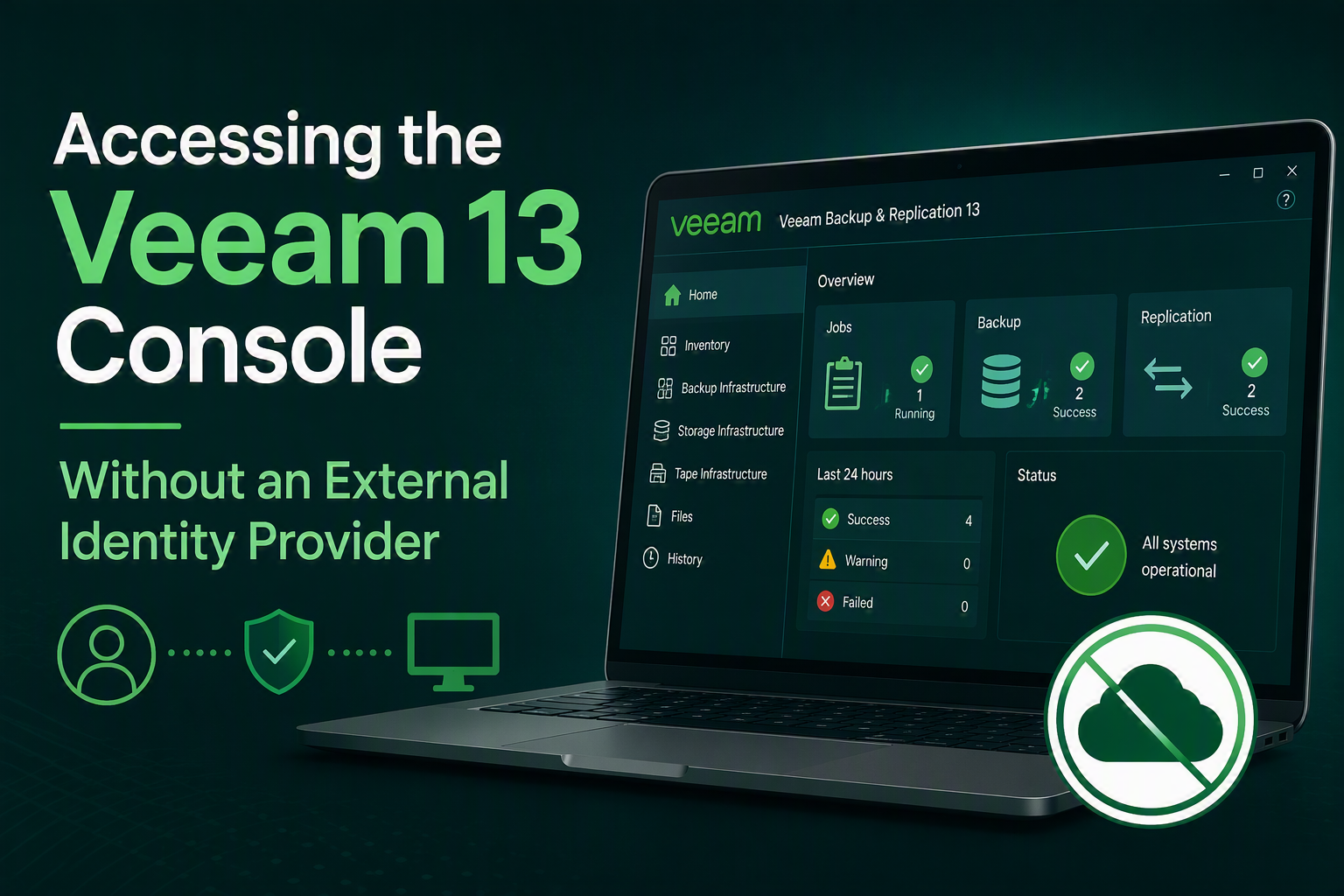
However, there are situations where an external identity provider is not available. This could be the case in isolated environments, during disaster recovery scenarios, in lab environments, or when deploying a standalone Veeam Backup & Replication server. In these scenarios, administrators still need a reliable method to access the Veeam Backup & Replication console.
This is where a local Veeam accounts becomes an essential fallback option.
When Would You Use a Local Account?
A local account can be useful in several situations:
- A new Veeam installation before integration with corporate identity services.
- Disaster recovery scenarios where Active Directory or Entra ID is unavailable.
- Air-gapped or highly secured environments with no external connectivity or Active Directory.
- Test and development environments.
- Emergency “break-glass” access for backup administrators.
Having a dedicated local administrative account ensures that authorized personnel can still manage and recover critical backup infrastructure when centralized authentication services are unavailable.
Creating a Local Account
Create a user using the Veeam Host Management interface on port 10443. After this go to the Users and Roles option under security.


Select the appropiate role for this user. Check this link to see the different roles available. For the console access the user role is sufficient.
Best practices for creating this account include:
- Use a unique account dedicated to Veeam administration.
- Assign a strong, complex password.
- Document the account securely in a password vault.
- Enable multi-factor authentication.
- Avoid using generic administrator accounts whenever possible.
Granting Access to the Veeam Console
After the local Veeam account has been created, it must be assigned the appropriate permissions within Veeam Backup & Replication.
Veeam uses role-based access control (RBAC) to determine which users can access the console and what actions they can perform. Administrators can assign roles ranging from read-only access to full backup administration rights.
The principle of least privilege should always be applied. Only grant the permissions necessary for the user’s responsibilities.
Go to the Users and Roles option in the main menu and add a new user.

Now enter the exact same user account details you created on the host management interface and select the role for this user account. Check this link to see all the default roles available.

Security Considerations
While local accounts provide valuable resilience, they should not become unmanaged security risks.
Consider implementing the following controls:
Strong Password Management
Store credentials in a secure enterprise password management solution and rotate them periodically.
Break-Glass Procedures
If the account is intended for emergency use, establish documented procedures describing when and how it may be used.
Auditing and Monitoring
Monitor successful and failed login attempts and regularly review account membership and permissions.
Separation of Duties
Avoid using the same local account for daily administration, backup operations, and security oversight. Separate responsibilities wherever possible.
Conclusion
Although most organizations rely on centralized identity services, local accounts continue to play an important role in Veeam environments. They provide a reliable fallback mechanism for isolated deployments, disaster recovery scenarios, and emergency access situations.
By implementing a dedicated local Veeam administration account, applying strong security controls, and documenting access procedures, organizations can enhance both the availability and security of their backup platform.
After all, when it comes to backup and recovery, access to your management console should never depend on a single authentication source.
Leave a Reply